
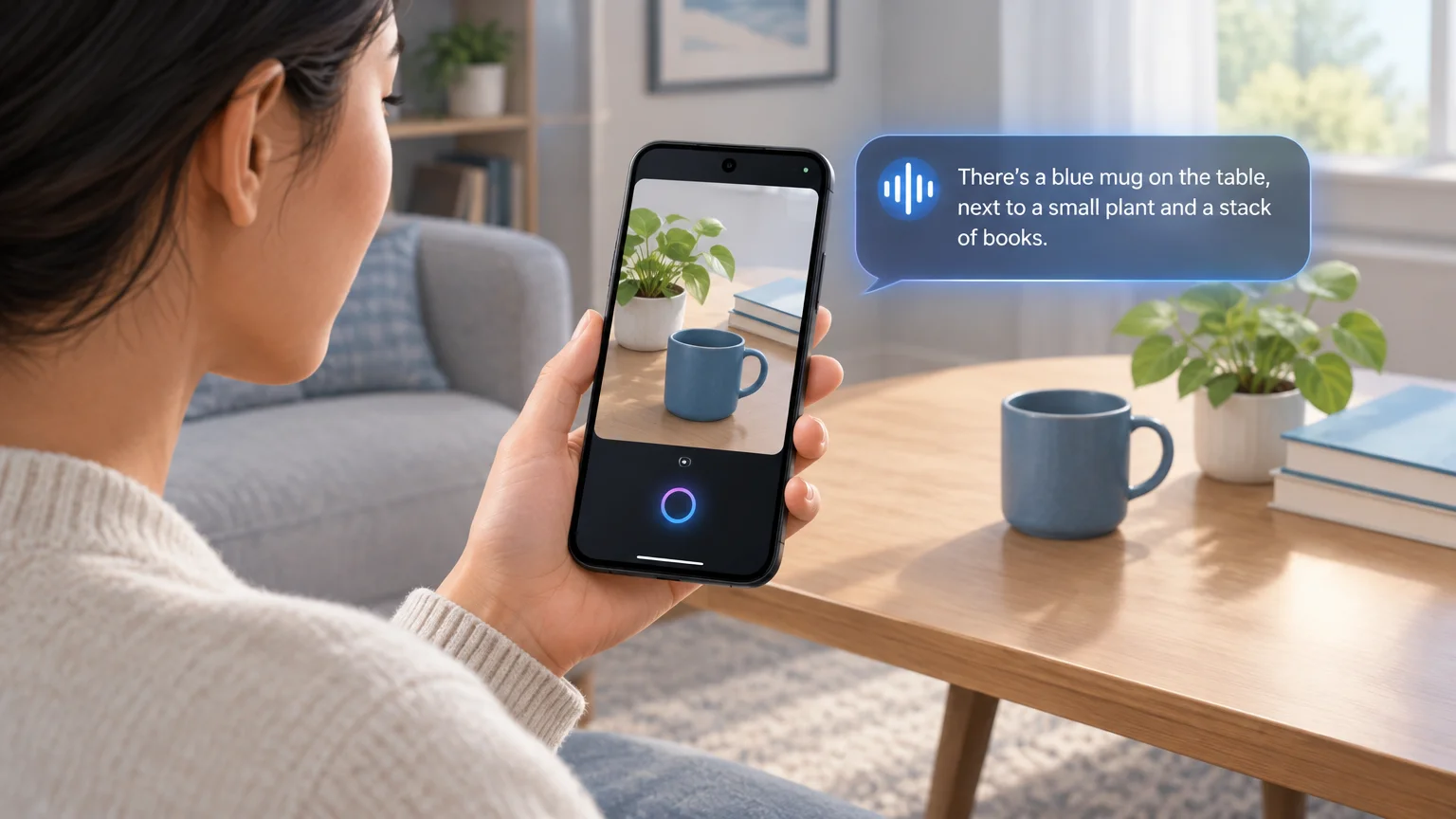
Spoken help with visual tasks
Google has launched Guided Vision in Gemini Live for people who are blind or have low vision, as well as others who want spoken visual assistance. During a Live conversation, users can share their camera, hear descriptions and ask follow-up questions. Guided Vision can also suggest moving the camera when it needs a clearer view.
Google suggests using the feature to read small print, find a nearby object, check clothing colors and patterns, or describe a room. These are intended uses, not a guarantee that its answers will be accurate.
How to access it and what not to rely on it for
Guided Vision is available on devices running Android 9 or later in regions and languages where Gemini Live is supported. In the Gemini mobile app, users can turn on Use Guided Vision in Live in profile settings, then share their camera during a Live session. Android accessibility shortcuts and the TalkBack menu provide other ways to launch it.
Google warns that Guided Vision can make mistakes. It is not a medical device or a replacement for a white cane or other mobility aid. It is not intended for navigation, obstacle detection or safe-travel guidance.
Sources
Image credit: AI illustration · Soft Bee
Image source: https://blog.google/innovation-and-ai/products/gemini-app/guided-vision-gemini-live/
Google Blog (2026-10-01T16:00:00.000Z): https://blog.google/innovation-and-ai/products/gemini-app/guided-vision-gemini-live/
Explore more insights, guides, and updates from our team
Tech & Dev
1 min read
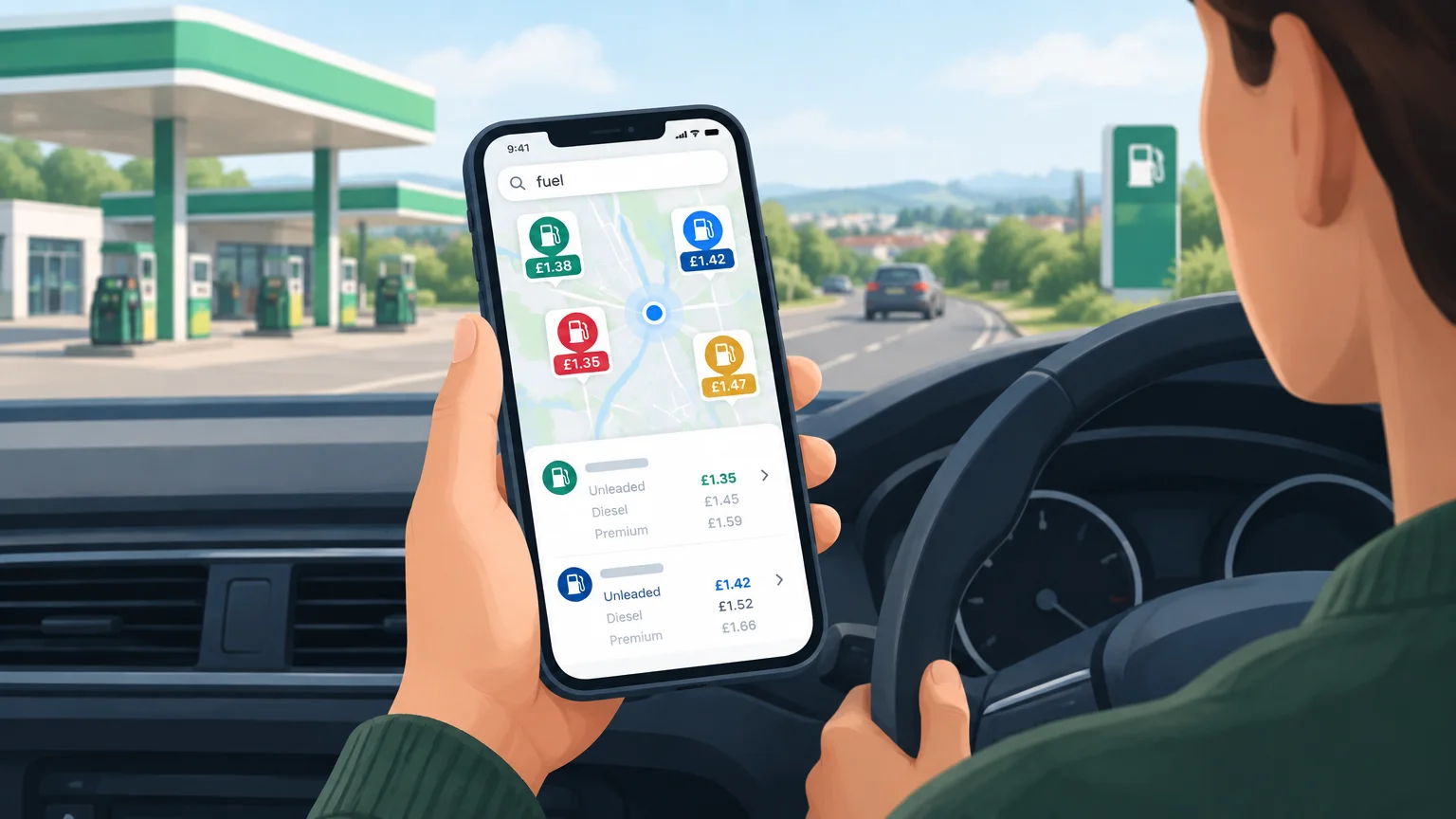
Google Maps and Waze let UK drivers compare nearby fuel prices
Search for “petrol” or “fuel” to see prices at nearby stations, including the different fuel types each station offers.
Read article
Tech & Dev
1 min read
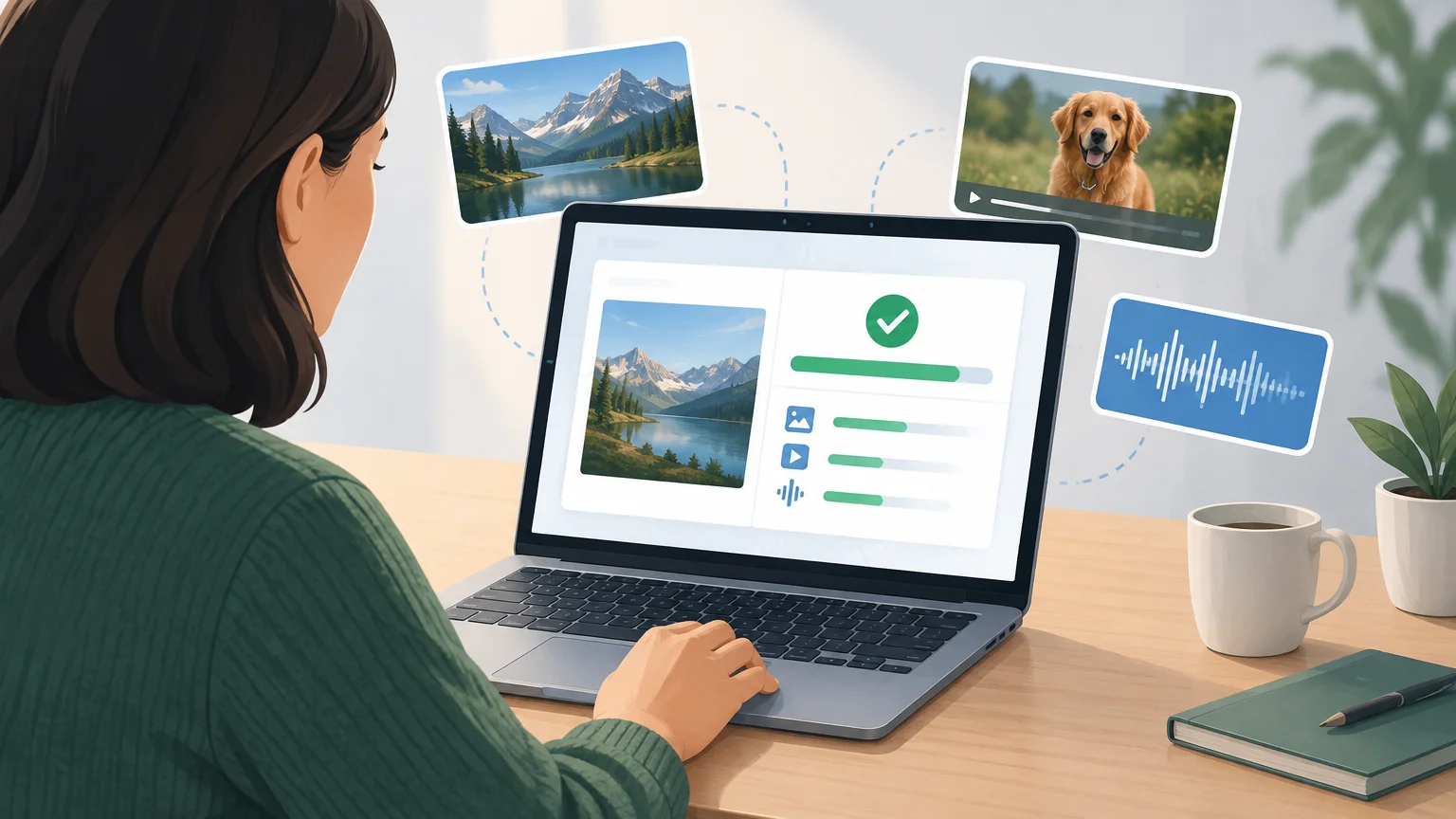
Google SynthID Detector lets anyone check files for AI content
Available globally in English, the tool checks images, video and audio for AI content from Google and supported partners. It is not a universal test for AI-generated media.
Read article
Tech & Dev
1 min read
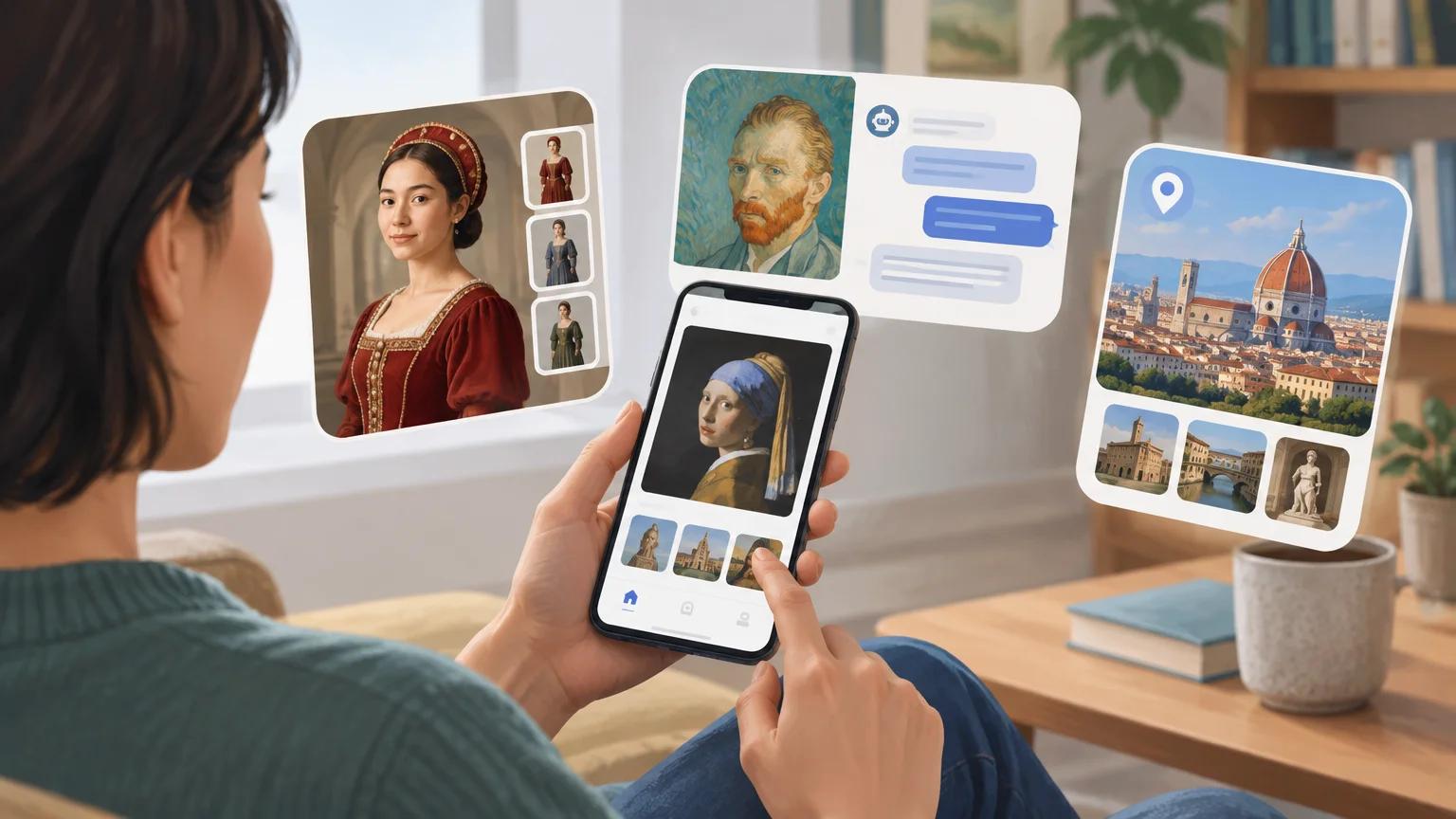
Google Arts & Culture app is rolling out visual answers and a discovery feed
The update adds AI experiments for trying on historical attire and simulated artist conversations, plus 27 destinations in City Guide. The global rollout began September 28.
Read article